
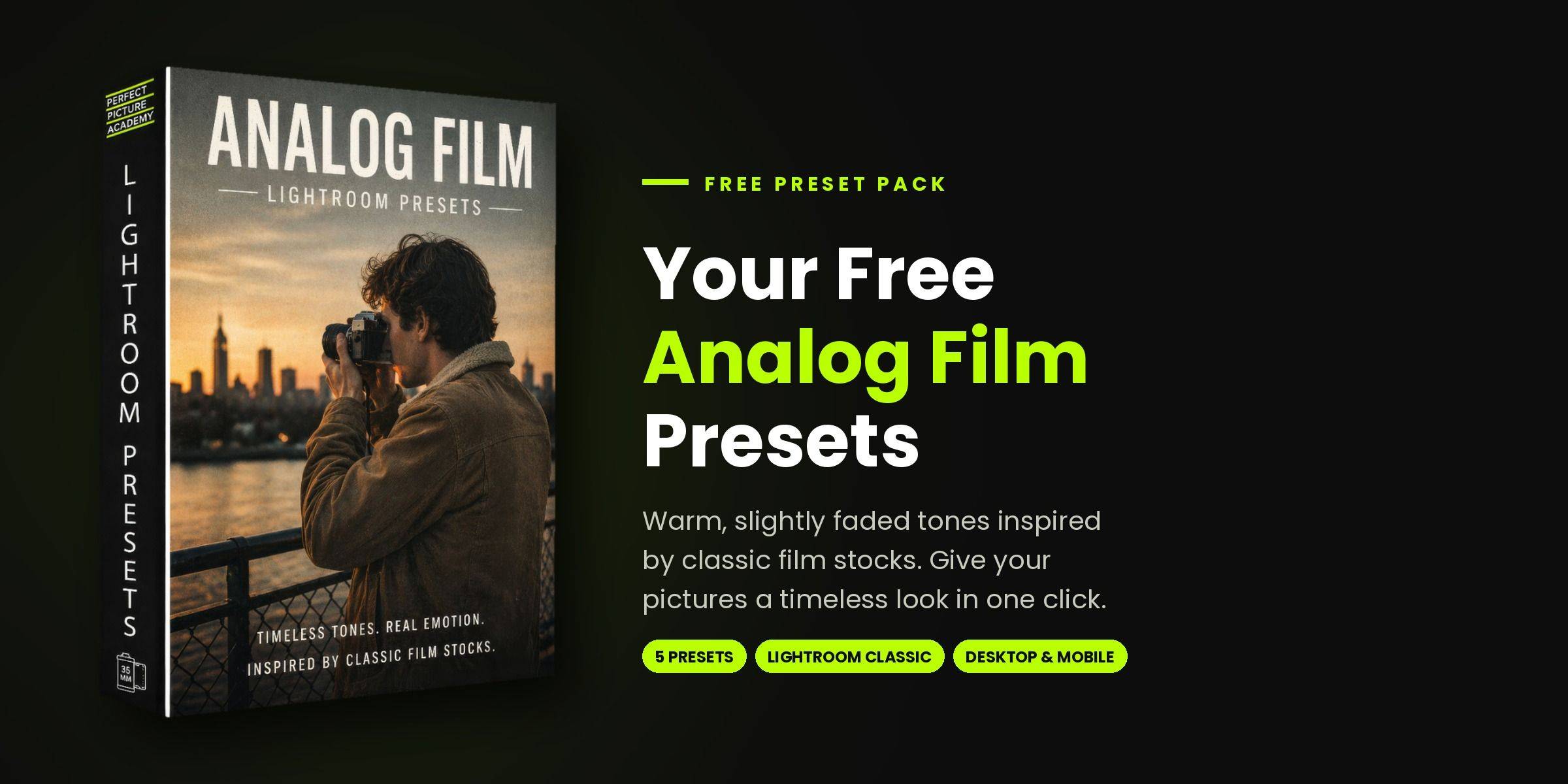

Five ways to get the film look, without the film
I built these five colour presets in Lightroom to give digital pictures the warmth, grain and soft contrast of classic film. They all share the same colour grade, so they sit together beautifully across a set, but each one gives your picture a different mood in one click:
- 01 Silver Halide. Soft, restrained colour with lifted blacks and a gentle grain.
- 02 Warm Daylight. Warm, creamy highlights and flattering skin tones.
- 03 Night Chrome. Moody contrast and cool midtones, made for evenings and low light.
- 04 Faded Print. Low contrast and dusty colour, like an old print.
- 05 Golden Grit. Warm and punchy, with deep blacks, crisp texture and heavy grain.
They're a starting point, not a finished edit. Apply one, adjust the exposure and the Amount slider to suit your picture, and you'll have a film-style edit you're proud of in seconds.
They work in Lightroom Classic, Lightroom desktop and Lightroom Mobile.
Mark Kaye
Founder, Perfect Picture Academy
WHO IS MARK KAYE?
Mark Kaye is a tour, concert, portrait and street photographer, and the founder of Perfect Picture Academy.
His work has been recognised at the International Photography Awards, with Official Selections and Honourable Mentions in recent years. After the pandemic, he photographed Virgin Radio's concert tour for emergency workers, from Scotland to London, and Virgin Radio has featured his work online many times since.
Mark created the SIMPLE system to take the guesswork out of photography, and to help beginners take pictures they're proud of with the camera they already own.

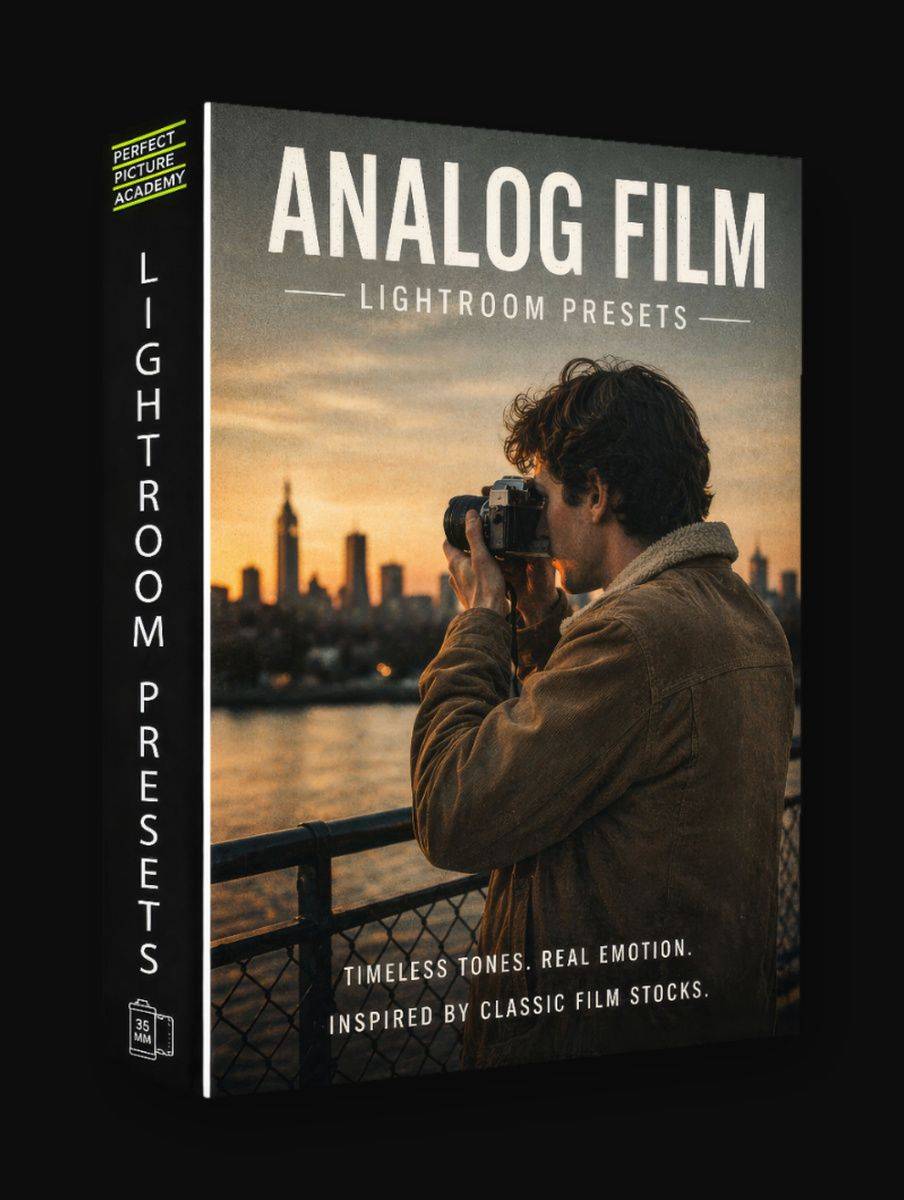
Ready to try them?
Enter your first name and email,
and I'll send your five free presets straight to your inbox.
